Ask Raven to render your viewport and it returns a finished image — then keep talking to restyle it. No render setup, no material assignment, no export.
1. Render the current view
Frame the view you want in Rhino and ask Raven to create a rendering from the Viewport. You can specify any of the active viewports!
"Please render my Perspective Viewport with a smooth concrete wall and a dark metal window frame, architectural rendering style."
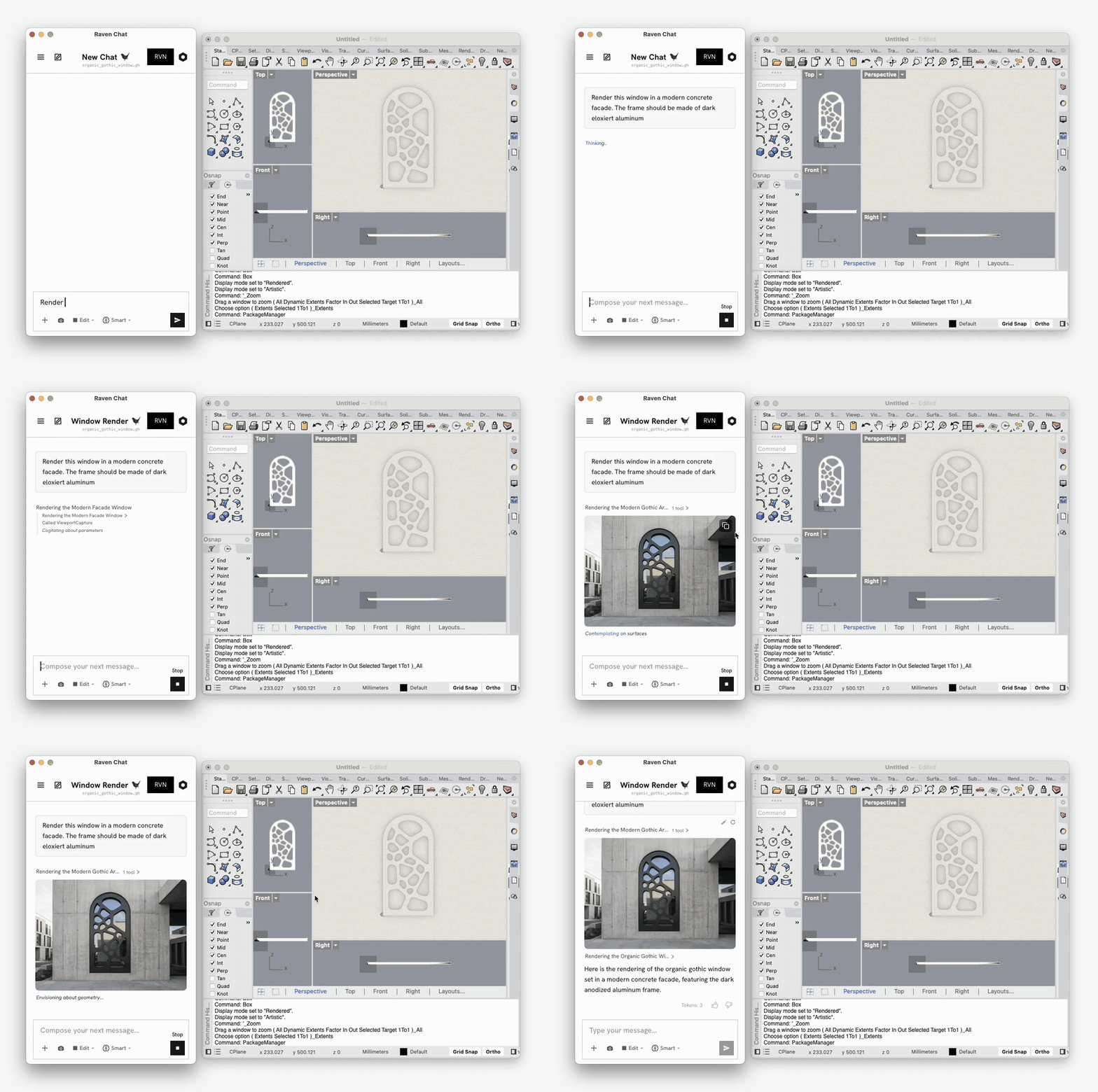
Raven captures the viewport, renders it, and drops the result into the chat, you can copy it with the button at the top right of the image.
2. Restyle by asking
The render isn't a dead end. Keep going and Raven re-renders the same geometry in a different style.
"next render it like [...]"
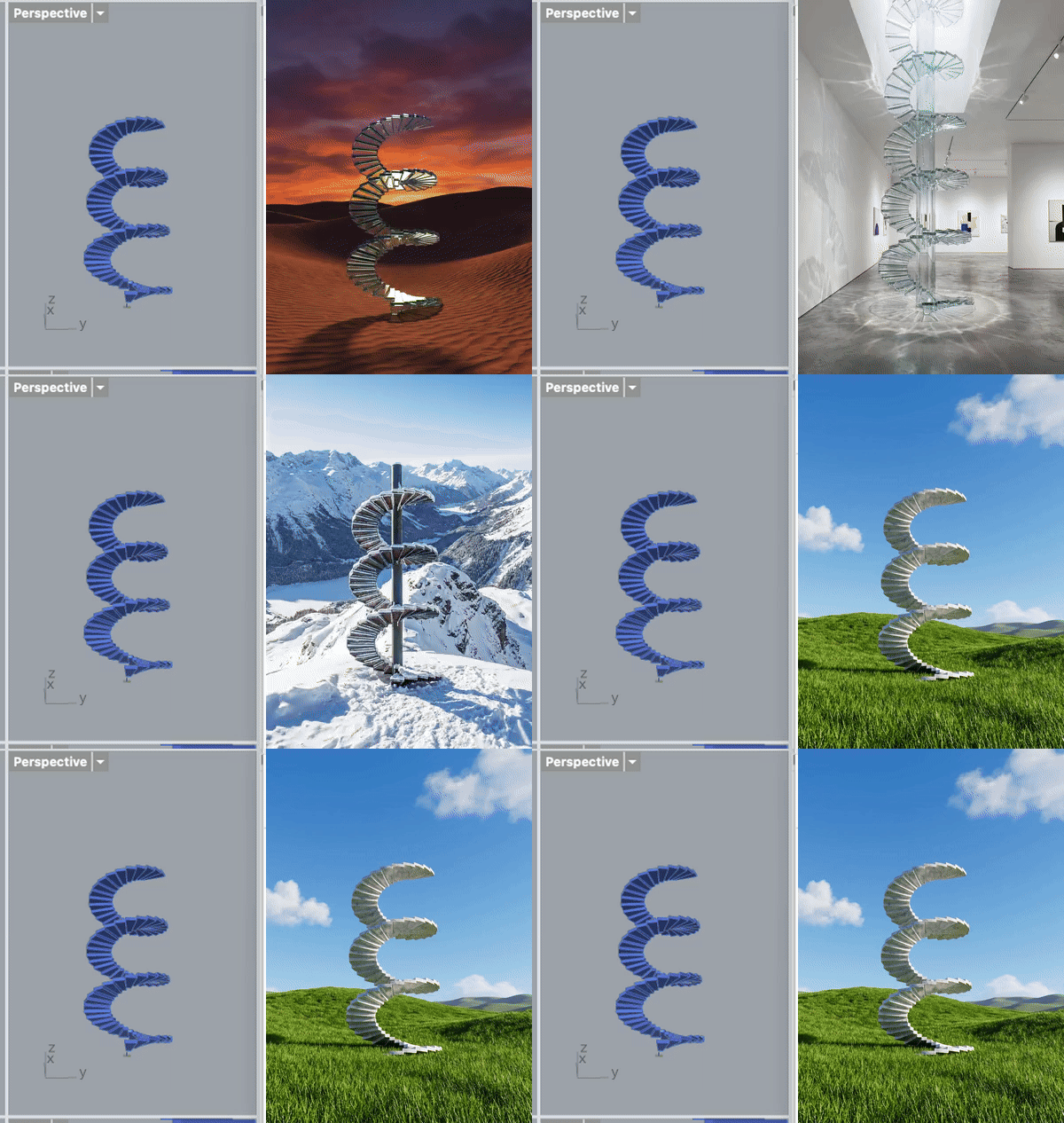
This isn't image generation floating free of your work — it renders your geometry from your viewport. Change a slider, re-render, and the image follows the model.